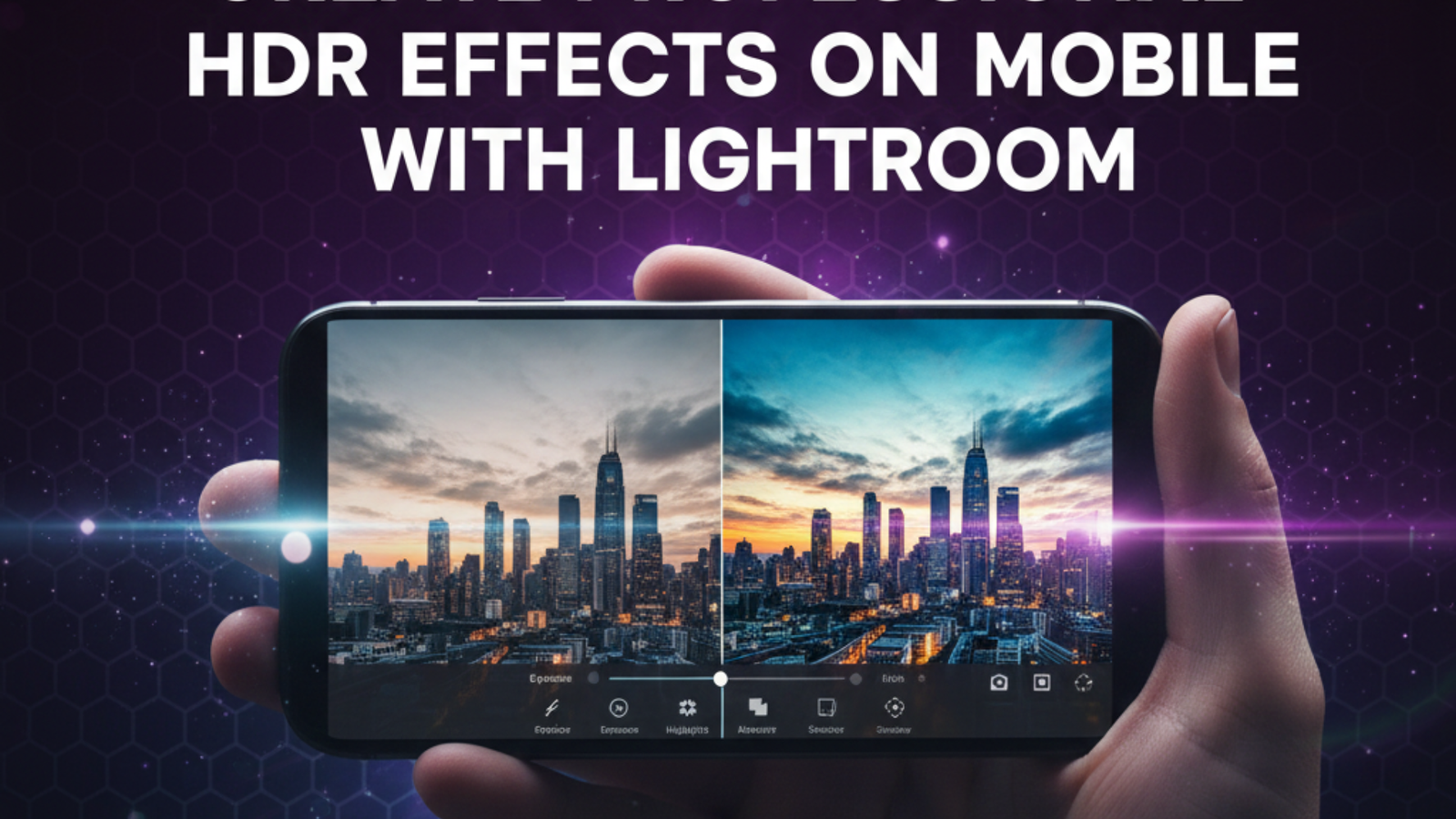
Create Professional HDR Effects on Mobile with Lightroom
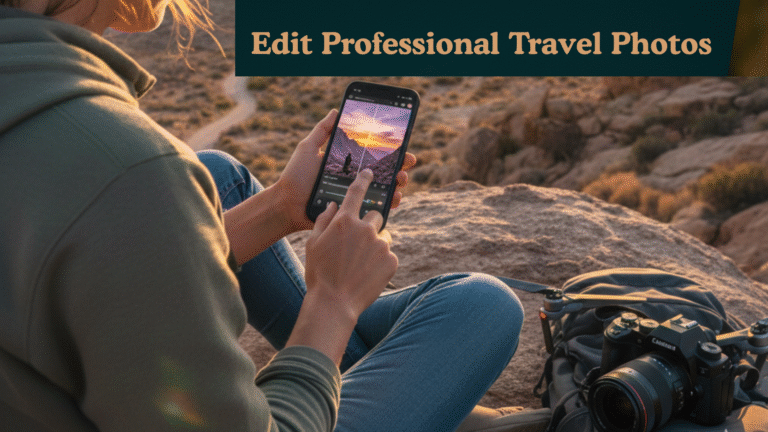
HDR (High Dynamic Range) photography is a technique that allows photographers to capture a full range of tones in a scene from the darkest shadows to the brightest highlights. Traditionally, achieving HDR required multiple exposures on DSLR cameras and post-processing software. Today, with Lightroom Mobile and Lightroom Mod APK, it’s possible to create professional HDR effects directly on your smartphone, even if you’re traveling or shooting spontaneously. This guide provides practical tips, step-by-step instructions, and pro-level techniques to make your mobile photos stand out.
Why HDR Matters in Mobile Photography
When you photograph scenes with strong contrasts, such as a sunrise over mountains, interiors with windows, or cityscapes at sunset, a standard photo can either lose details in the shadows or blow out the highlights. HDR solves this problem by balancing light across the image, giving your photos a natural yet vibrant look.
With HDR:
- Your skies look detailed without washing out the foreground.
- Shadows are richer, revealing textures and details.
- Colors appear more lifelike, creating immersive images.
For mobile photographers, Lightroom Mod APK is especially useful because it unlocks premium tools like tone curves, selective adjustments, and gradient filters, which are essential for professional HDR effects.
Essential Tools in Lightroom for HDR
To create HDR effects on mobile, you need to focus on these Lightroom tools:
- Exposure, Highlights, and Shadows – Balance overall brightness and recover lost details.
- Tone Curve – Adjust midtones, highlights, and shadows for depth.
- HSL Panel (Hue, Saturation, Luminance) – Enhance colors without overdoing them.
- Gradient and Radial Filters – Apply selective adjustments to skies, water, or foreground.
- Clarity and Dehaze – Add texture and reduce haze for crispness.
- Sharpening and Noise Reduction – Make details pop while keeping the image clean.
Step-by-Step HDR Workflow
1. Start with the RAW File
Shooting in RAW is crucial for HDR. RAW files retain all image data, giving you flexibility to recover details in highlights and shadows.
2. Correct Exposure
Open your photo in Lightroom Mobile:
- Adjust exposure for a balanced base.
- Pull down highlights to bring back details in bright areas.
- Lift shadows to reveal textures in darker areas.
This sets the foundation for a natural HDR effect.
3. Use the Tone Curve
The tone curve lets you fine-tune contrast and brightness precisely:
- Slightly lift midtones for a bright but natural feel.
- Deepen shadows to add depth.
- Control highlights to avoid overexposure in bright areas.
4. Enhance Colors with HSL
Adjust individual colors for vibrancy:
- Boost blues for skies, greens for foliage, and warm tones for sunsets.
- Adjust luminance to make colors stand out without appearing artificial.
5. Apply Gradient Filters
Use gradient filters to adjust exposure selectively:
- Darken or add contrast to skies.
- Brighten foregrounds subtly.
- Combine with radial filters to highlight your main subject.
6. Add Clarity and Dehaze
- Increase clarity slightly to enhance textures in rocks, water, or architecture.
- Apply dehaze to reduce atmospheric haze and restore depth.
7. Fine-Tune Sharpening and Noise Reduction
- Sharpen details carefully.
- Use noise reduction for underexposed areas or shadows to maintain a clean look.
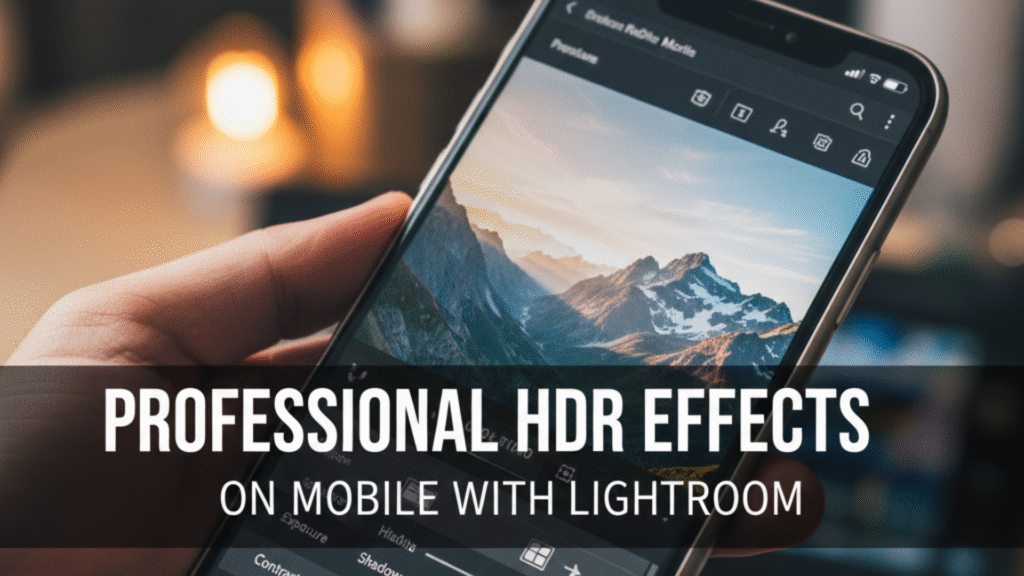
Why Lightroom Mobile Is Perfect for HDR Photography
Lightroom mobile is perfect for HDR photography because it has following features:
- Precise Exposure Control: Easily adjust exposure, highlights, and shadows for perfectly balanced HDR images.
- RAW File Support: Work with RAW files to retain maximum detail and achieve professional-quality results.
- Selective Editing Tools: Make adjustments to specific areas for accurate HDR enhancements.
- Intuitive Interface: Simple and user-friendly layout makes HDR editing easy for beginners and pros alike.
- Advanced Features: Use curves, tone adjustments, and color grading for professional HDR effects.
- Preset Options: Apply HDR presets to maintain consistent styles across multiple photos quickly.
- High-Resolution Export: Save your images in high quality without losing details or colors.
- Mobile Convenience: Create stunning HDR photos anytime, anywhere, directly from your smartphone.
- Versatile Use Cases: Perfect for social media, travel photography, portfolios, and printing.
Tips for Professional HDR Results
Follow the following tips for creating professional HDR results on mobile;
- Shoot Multiple Exposures: For extreme contrast scenes, take multiple shots at different exposures. Combine them in Lightroom or a dedicated HDR app for maximum detail.
- Avoid Over-Editing: Too much clarity, contrast, or saturation can make HDR images look unnatural.
- Focus on Composition: HDR enhances light, but good framing and composition remain essential.
- Use Local Adjustments: Apply edits selectively to avoid flattening the entire scene.
- Experiment with Presets: HDR-specific Lightroom presets can save time while maintaining a cohesive look.
Want to know which app is better for editing: Lightroom Mod APK or Snapseed? Read here.
Benefits of HDR on Mobile
Following are the benefits of creating HDR on mobile:
- Produces balanced and detailed images even in extreme lighting conditions.
- Makes photos more visually compelling for social media or portfolios.
- Saves time by allowing professional editing directly on your phone.
- Enhances your creative flexibility without investing in high-end camera equipment.
Conclusion
HDR photography on mobile is no longer a compromise. With Lightroom Mobile and Lightroom Mod APK, you can create stunning, professional-quality images that capture the full tonal range of any scene. By mastering exposure, highlights, shadows, tone curves, HSL adjustments, gradient filters, clarity, and dehaze, even casual photographers can achieve results comparable to DSLR HDR photography.
In 2026, mobile HDR is accessible, powerful, and essential for photographers who want their images to stand out in social media feeds, travel blogs, and professional portfolios.